Quick Run in Yet Another Zombie Survivors
The 1.0 fast-path from main menu to first zombie.
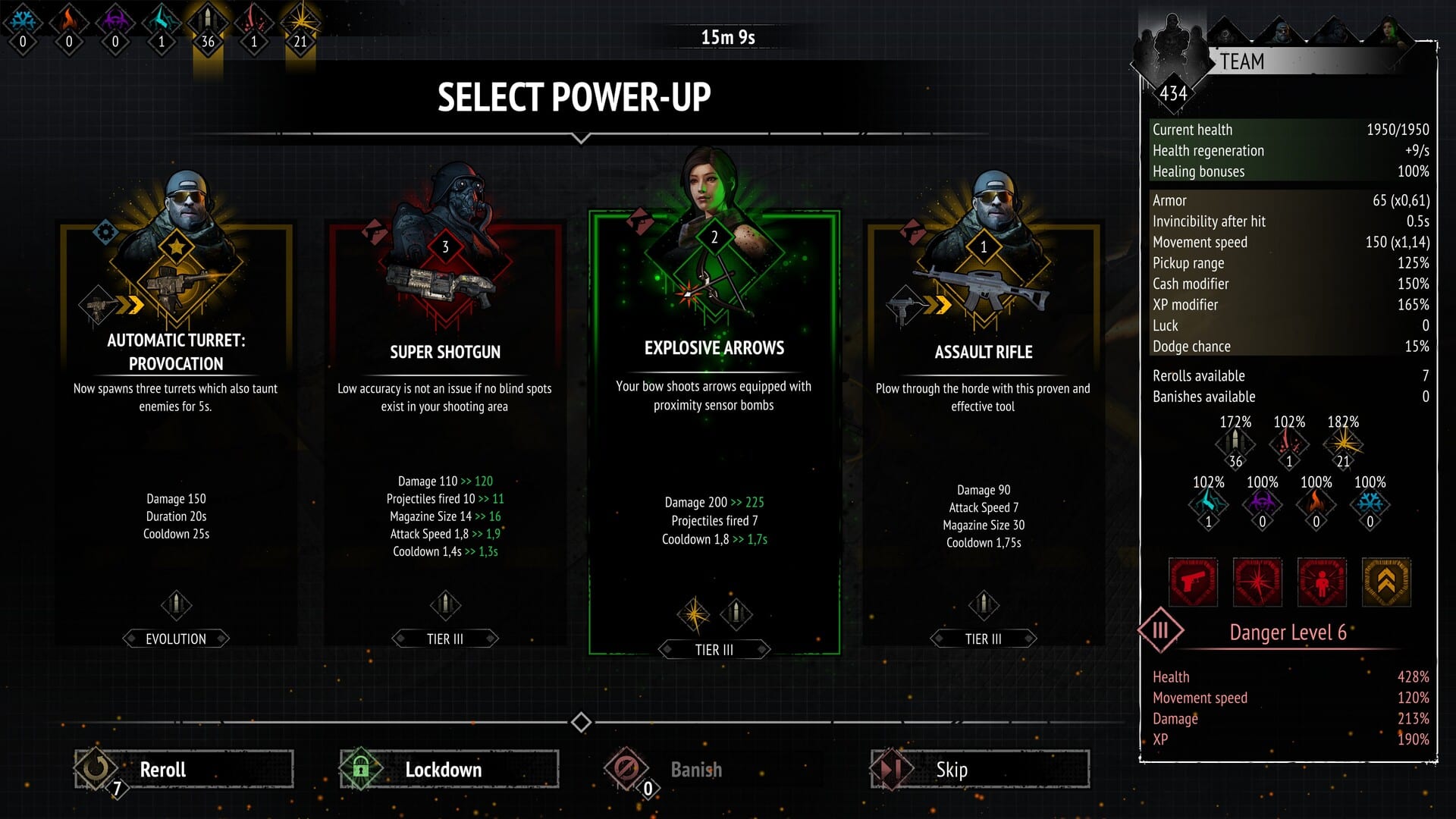
Quick Run is one of the small quality-of-life additions that shipped with Yet Another Zombie Survivors version 1.0 on 20 August 2026. The studio framed it as a way to reduce friction: instead of routing through The Camp every time you press Play, you can drop straight into a run with your last squad, your last map, and your last mode. The Camp is still there when you want it. The Missions screen is still there when you want it. Quick Run is just a faster on-ramp for the players who already know what they came for.
If you have spent the last three years of Early Access building muscle memory for the old main menu, that menu is also still there. 1.0 added a toggle so the entire pre-1.0 flow comes back, including the legacy loadout screen. You can flip between Quick Run and the full menu at any time. The wiki treats both as first-class; this page is just the explainer for the new button.
What Quick Run does
Quick Run takes whatever your last completed run used (leader, two rescues, map, mode, difficulty) and immediately starts a new run with the same setup. There is no camp visit, no mission accept, no briefing-room dialogue. You click, you spawn, you move. The auto-fire loop takes over the same way it always has.
Because Quick Run reads the last run, not your preferred loadout, it is fast in the way that matters: no menus means no decision fatigue between attempts. That is the entire reason it exists. Players who wanted to spam Default dawns for the Huntress milestone, players grinding boss kills for Ghost, and players chasing Random-Load survival badges no longer have to navigate three screens every retry.
How to toggle Quick Run on or off
The toggle lives in the Settings menu. Open Settings, find the Gameplay or Interface section, and you will see a Quick Run option with a simple on/off state. Off restores the legacy main menu so every run starts with the full Camp visit and mission accept. On activates Quick Run as the default. The studio designed the toggle as a one-click switch so both audiences are served: casual players who enjoy the downtime and grinders who do not.
There is no per-mode override. Quick Run is either on or off for the whole account. If you want to spend ten minutes in the Camp reading radio transmissions, turn it off for that session and turn it back on when you want to spam. The toggle persists between sessions.
When Quick Run is the right choice
Quick Run is right for grind. Reaching the fifteen-minute Huntress milestone, the one-hundred-boss Ghost counter, the two-hundred-kit Medic counter, the four-thousand-ability Mechanic counter, and the Survival Level 175 Ranger unlock are all grind paths. Quick Run removes the menu tax that adds up across hundreds of attempts. It is also right for players farming map badges on maps they have already cleared.
Quick Run is wrong for first-time clears of a new map. If you are about to attempt Bio Lab for the first time, you want the Camp briefing, the Mission Log, and the radio chatter to remind you of the red decontamination zone. Quick Run through Bio Lab on your first attempt is a fast way to die on a band you forgot existed. Same logic for the first Boss Rush attempt: the Camp tells you which map finale you are racing. Read the briefing first.
Quick Run is also wrong for players chasing Story achievements or Friendship progression. Missions only become available at the end of a run inside the Camp. If Quick Run skips the Camp, you skip the mission accept for the next run. Use Quick Run between missions; use the full menu when a mission is active and you want to plan the next run around its requirements.
Quick Run does not replace the Camp
The Camp, the Briefing Room, the Mission Log, the Friendship screen, and the radio remain mandatory stops for narrative and meta progression. Quick Run is the fast-path button. The Camp is the meta button. Treat them as siblings rather than alternatives. The optimal week mixes both: full-menu run to accept a mission, Quick Run spam to clear the run that completes it, full-menu run to accept the next mission, Quick Run again.
For the broader 1.0 menu philosophy and what the studio kept, removed, or redesigned, read the Version 1.0 article. For the Camp itself, the missions that drive it, and the radio chatter that fills it, use the HUB and quests page. For the Friendship system that missions feed, see the Friendship system page.
Quick Run and console players
Quick Run behaves the same on Steam, GOG, PlayStation 4, PlayStation 5, Xbox One, and Xbox Series. The toggle setting is account-wide, not platform-specific. Controller players should expect the same one-click jump into a run as mouse-and-keyboard users. The Nintendo Switch version, when it ships, is expected to ship with the toggle present as well.
The trailer embedded above is the official 1.0 animated trailer. It shows Quick Run in the context of the new menu flow alongside the Camp reveal. Use it for tone. Use a real run for practice.
Frequently Asked Questions
Quick answers to the most common questions.
What does Quick Run do?
It skips the Camp and the mission accept, dropping you straight into a run with your last squad, map, and mode.
How do I turn Quick Run off?
Settings → Gameplay. Toggle the Quick Run switch. The full main menu comes back immediately.
Does Quick Run skip missions?
It skips the Camp between runs. Missions still complete normally at the end of each run.
Is Quick Run on console too?
Yes. The toggle is account-wide and works the same on Steam, GOG, PlayStation, and Xbox.