Yet Another Zombie Survivors Controls
Movement is the skill. Shooting is a setting.
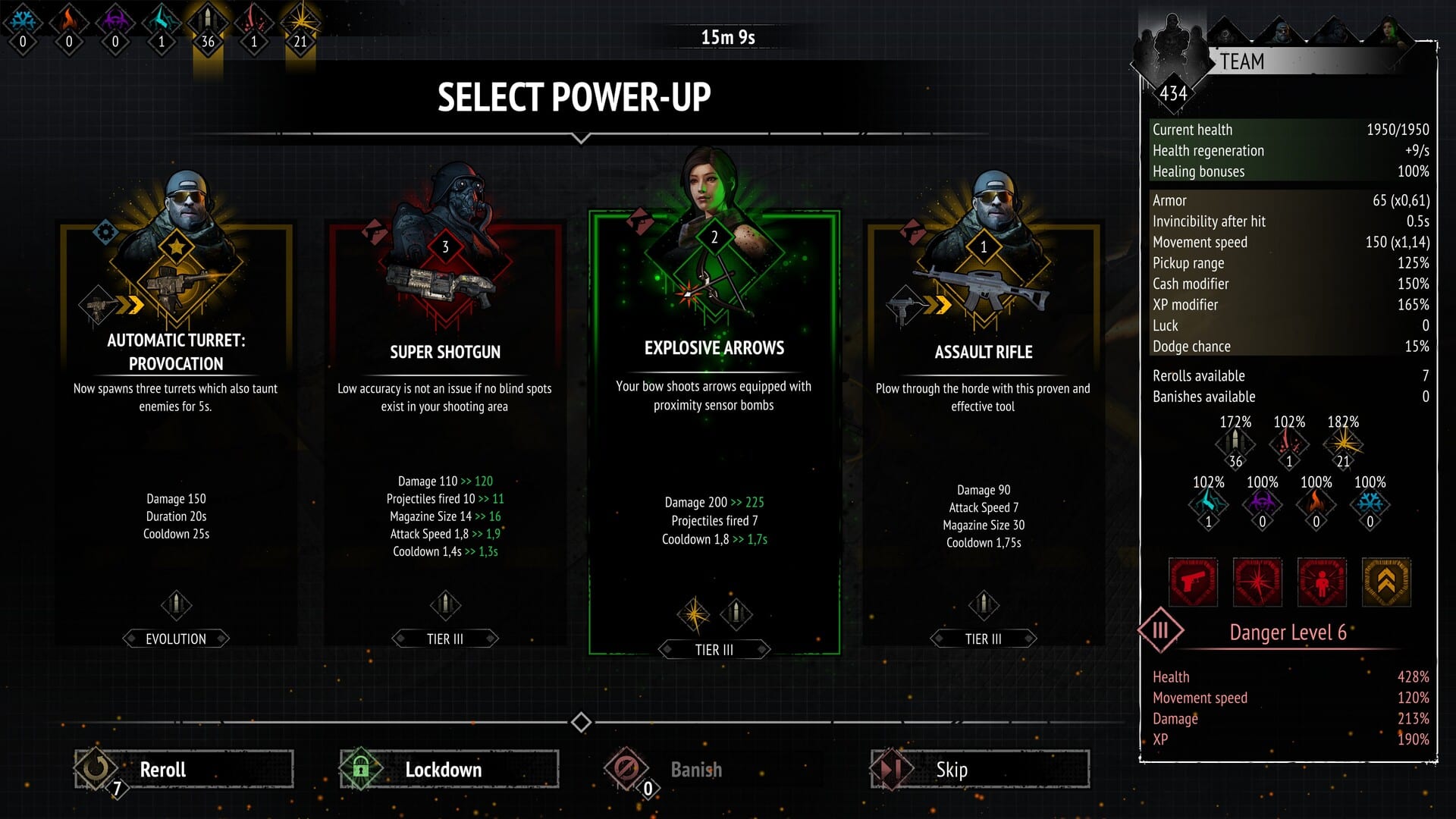
Yet Another Zombie Survivors is designed so a new player can clear Isolated City without learning a combosheet. The squad aims. The squad shoots. You steer. That rule still holds after the 1.0 launch on 20 August 2026. This page is the control reference: keyboard, mouse, full controller support, and the two toggles that confuse almost everyone who opens the Steam discussion board.
The intended input is WASD or the left stick. Keep the cluster moving. Stopping to line up a shot is how Default mode boxes you against a wall. Abilities fire on cooldowns whether you are watching them or not. Pickups happen when you walk over gems, hearts, magnets, and chests. There is no separate interact key for loot.
Keyboard, mouse, and the E / R toggles
On keyboard the important extras are E and R. E switches aiming mode. R switches firing mode. If your characters suddenly stare at the floor or refuse to shoot, you toggled one of those by accident. The official troubleshooting thread from Awesome Games Studio says the same thing: press E to restore auto-aim, press R to restore auto-fire, and in the pause menu set Manual aim to off and Auto fire to on.
Mouse movement is optional. You can play keyboard-only. You can play mouse-only for movement if you remap it. The Steam store lists keyboard-only and mouse-only accessibility options, plus custom volume, color alternatives, and camera comfort. None of those change the core loop: auto combat, manual positioning.
Pause from the usual Esc / Start binding. From pause you can inspect current DPS on weapon and ability tooltips, which 0.9 already surfaced and 1.0 still uses. F8 opens the in-game feedback form if you need to send a save to [email protected].
Controller layout
The game ships with full controller support, DualShock, DualSense, and Steam Deck verification. Left stick moves. By default the right stick does not need to aim. If you enable Manual aim in Options > Controls, the right stick becomes the aim stick for either the leader only or the whole team, depending on the sub-option you pick.
A common bug report: manual aim enabled, character locked to the bottom of the screen, right stick also moving the squad. The studio fix is Options > Controls > Remap Controls > Restore Defaults, then unplug extra pads. Multiple controllers connected at once can bind movement twice. After a restore, confirm Manual aim is actually the mode you wanted. Leader-only manual aim still lets teammates auto-target while you steer the SWAT rifle.
Haptics and trigger features are comfort options, not damage options. If a run feels weak after a remap, you probably turned auto-fire off and are now holding a trigger the game no longer needs.
Auto-aim versus manual aim
Auto-aim tracks the closest valid target. It is not perfect. Fast bosses can step out of a shotgun cone. That is why movement still matters more than a perfect reticle. Manual aim is there for players who want a twin-stick shooter. It does not convert Yet Another Zombie Survivors into one. Hordes still collapse from every side. Grenade Trail and similar gadgets keep auto-firing even when you take the rifle off auto.
Use manual aim when you need to focus a boss while trash sits on the left. Switch back when your thumb gets tired. There is no ranking bonus for playing without auto. The Getting Started page assumes auto-fire. The dawn survival page assumes you are circling, not strafing a single lane.
Menus you will actually open
Select Team Leader is on the left of the loadout screen. It shows leader perks and the current weapon line. Zombiepedia lists unlocked weapons. Upgrades is the Training board described in the training guide. Map and mode icons unlock independently; hover an icon if a condition is hidden. Difficulty tiles appear on the loadout page after you earn them for that map and mode.
Interface scaling exists for handheld and Steam Deck. If text feels small on a television via Remote Play, raise scale before you blame the font. Auto Selection, added in later Early Access, can pick power-ups for you per category. Turn it off while you learn, then turn it on for farming runs.
When controls feel broken
If nobody is shooting: R, then pause, then Auto fire on. If nobody is aiming: E, then Manual aim off. If the right stick moves and aims at once: restore defaults and disconnect extra pads. Overlay software (Lossless Scaling, RTSS, f.lux) is on the official trouble list because it can steal focus or inject weird aspect ratios. Disable overlays before you file a bug.
Accessibility does not include online play because the game is single-player. You will never bind a ping wheel for another human. You will bind movement, menus, and the two combat toggles. Once those three groups feel boring, you are ready to think about survivor unlocks, Hardcore, and the maps that punish sloppy strafes.
Keep this page bookmarked next to Getting Started. Most “the game is broken” threads are a toggled fire mode. Most actual deaths are a missing exit lane. Fix the toggle first, then go back to moving.
Frequently Asked Questions
Quick answers to the most common questions.
What do E and R do?
E toggles aiming mode. R toggles firing mode. If auto combat stops, press both and check the pause menu.
How do I enable manual aim?
Open Options > Controls and set Manual aim. Right stick aims. Restore defaults if the stick also moves the squad.
Does the game support controllers?
Yes. Full controller support, DualSense, DualShock, and Steam Deck verified. Left stick is movement.
Is there a shoot button in the default setup?
No. Auto-fire is the default. You walk over loot and pick level-ups. Holding a trigger is optional manual fire.